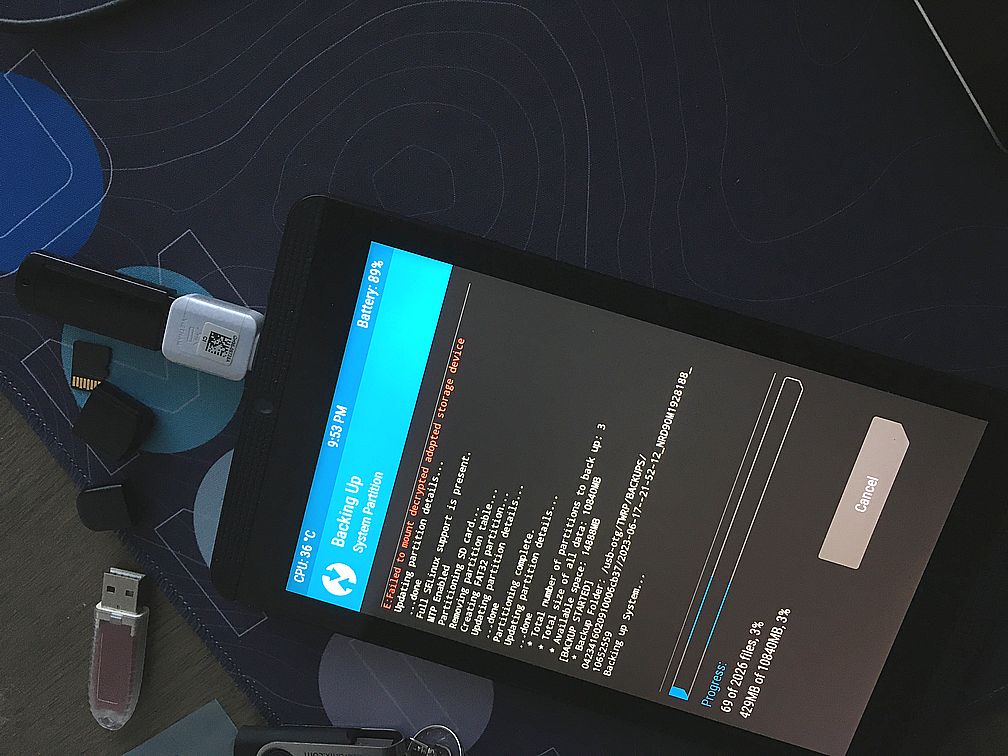
So let's create a new fresh answer then. As mentioned in another answers [1] [2] one can do a full backup of
- boot
- system
- data (there is a trick to include the Internal Storage)
by booting into TWRP and doing so called NANDroid backup (IDK, it's just a big "Backup" button on the main screen)
Once you find a TWRP image for your device, the process looks like this.
adb reboot bootloader
when device at the booloader screen
fastboot flash recovery twrp.img
be ready to press a key combo
fastboot reboot
Before the tablet/phone boots up hold Volume Down + Power buttons. This way we end up in the same bootloader, select Recovery Mode and it will load TWRP.
For more details read here