13

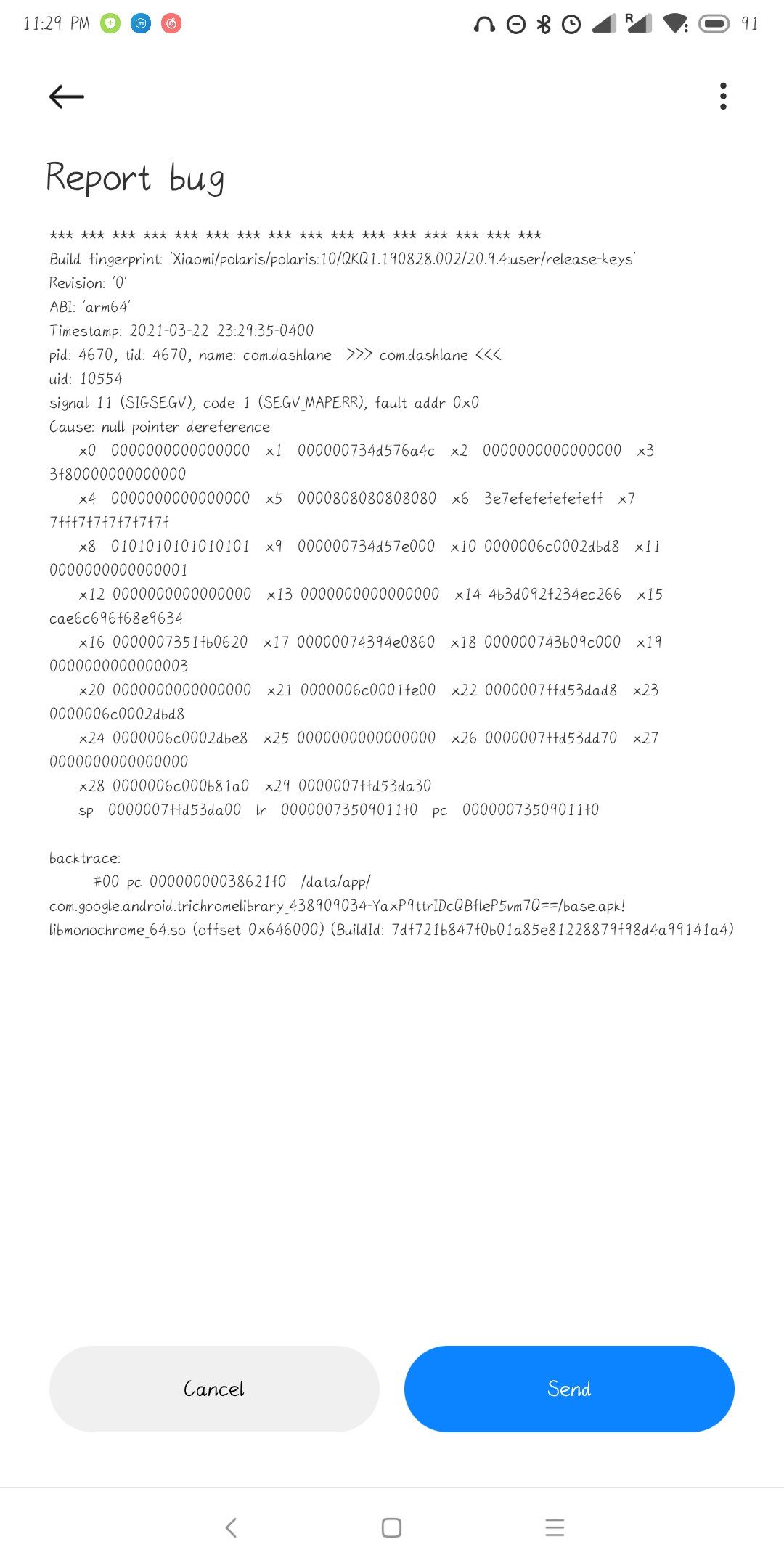
Recently, apps that are fine an hour ago now crash when I open them. The crash report message seems to be caused by a null pointer exception (NPE) in com.google.android.trichromelibrary.

Apps affected for me:

  • Gmail
  • Dashlane

Is it just me, or is there actually something wrong with the library? How can I fix these affected apps?

Crash report:

*** *** *** *** *** *** *** *** *** *** *** *** *** *** *** ***
Build fingerprint: 'Xiaomi/polaris/polaris:10/QKQ1.190828.002/20.9.4:user/release-keys'
Revision: '0'
ABI: 'arm64'
Timestamp: ...
pid: ..., tid: ..., name: com.dashlane >>> com.dashlane <<<
uid: ...
signal 11 (SIGSEGV), code 1 (SEGV_MAPERR), fault addr 0x0
Cause: null pointer dereference
...

backtrace: #00 pc 00000000038621f0 /data/app/ com.google.android.trichromelibrary 438909034-YaxP9ttrIDcQBfleP5vm7Q==/base.apk! libmonochrome_64.so (offset 0x646000) (BuildId: ... )

(click here for the screenshot of the bug report)

Andrew T.
  • 16,898
  • 10
  • 77
  • 134
Hykilpikonna
  • 245
  • 1
  • 2
  • 6

2 Answers2

11

It was a WebView issue and it has been fixed as mentioned here:

https://www.google.com/appsstatus#hl=en&v=issue&sid=1&iid=aa75515d184a2423be444d676b7ebf45

Updating Android System WebView and Google Chrome via Google Play should now resolve the issue for all users.

  1. Navigate to Play Store app
  2. Search for Android System WebView (https://play.google.com/store/apps/details?id=com.google.android.webview)
  3. Select the "Update" option
  4. Repeat these steps for Google Chrome (https://play.google.com/store/apps/details?id=com.android.chrome)

For more information about updating Android apps please see: https://support.google.com/googleplay/answer/113412

Robert
  • 22,621
  • 6
  • 54
  • 76
shubhamgarg1
  • 234
  • 1
  • 2
6

Downgrading "Android System WebView" (which seems to be related to the Trichrome Library) solved this problem on my phone.

CCCC_David
  • 161
  • 1