I have limited SSD on my Mac.
I have an external SSD.
I would like to store multiple virtual devices, far beyond the capacity of the Mac internal storage.
How to configure location of AVD?
Attempt 1
I tried using: https://stackoverflow.com/a/30614524/775359
ln -s /Volumes/1TB/.android .android
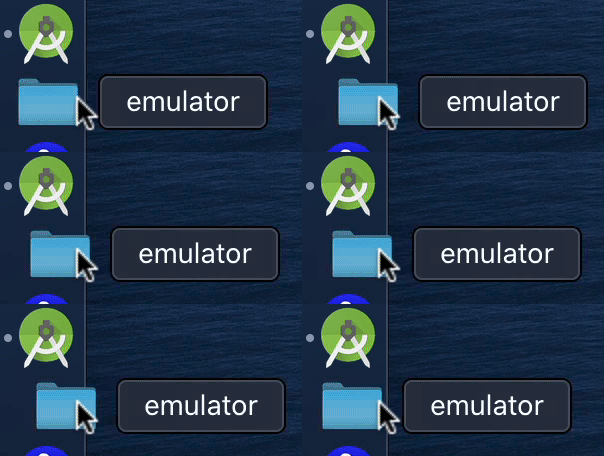
The files are stored on SSD but when I try to launch, it keep bouncing in the dock
Attempt 2
https://developer.android.com/studio/command-line/variables.html
ANDROID_AVD_HOME: Sets the path to the directory that contains all AVD-specific files, which mostly consist of very large disk images. The default location is $ANDROID_EMULATOR_HOME/avd/. You might want to specify a new location if the default location is low on disk space.
This should be exactly what I need, trying this solution again:
export ANDROID_SDK_ROOT="/Volumes/1TB/Android/"
export ANDROID_EMULATOR_HOME="/Volumes/1TB/emulator/"
export ANDROID_AVD_HOME="/Volumes/1TB/emulator/avd/"
23 seconds video: https://youtu.be/8bPv85RnzP4
Attempt 3
Formatted and partitioned the external SSD.

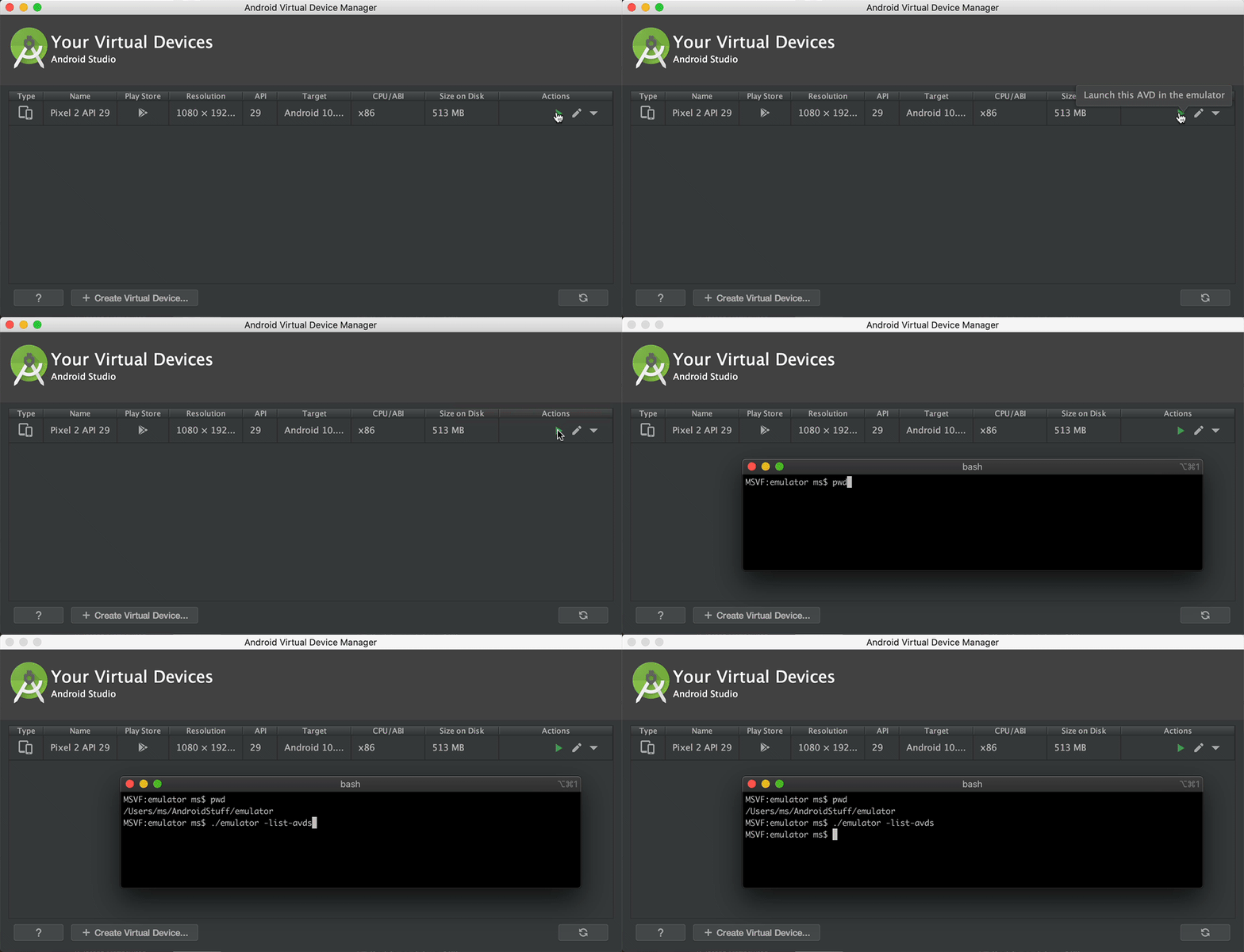
It doesn't start, see the split-second popup
Handy answer to go nuclear: https://stackoverflow.com/a/45669617/775359
rm -Rf /Applications/Android\ Studio.app
rm -Rf ~/Library/Preferences/AndroidStudio*
rm ~/Library/Preferences/com.google.android.studio.plist
rm -Rf ~/Library/Application\ Support/AndroidStudio*
rm -Rf ~/Library/Logs/AndroidStudio*
rm -Rf ~/Library/Caches/AndroidStudio*
rm -Rf ~/AndroidStudioProjects
rm -Rf ~/.gradle
rm -Rf ~/.android
rm -Rf ~/Library/Android*

